
Frequently Asked Questions
How do I login to the Hub?
Please visit our Hub Login Page to get started!
Why are some lessons highlighted in the Hub?
Highlighted lessons provide a lesson sequence designed to support teachers in intentionally integrating writing instruction alongside their core reading program. This sequence identifies specific skills to be aware of when reading and responding. By calling attention to these focus areas, teachers can more intentionally model how authors use craft, structure, language, and conventions—and how students can transfer those same techniques into their own writing.
Assessments (highlighted in orange) are embedded throughout the sequence to monitor student progress. The first assessment serves as a baseline, capturing students’ skill levels at the beginning of the school year. Subsequent assessments follow the explicit instruction of targeted skill areas and are designed to demonstrate measurable growth. These checkpoints provide teachers with actionable data to inform instruction, adjust pacing, and ensure that students are mastering specific response skills before moving forward.
Please refer to the Reading Aligned Writing Guide section for more details.
Why are some lesson titles in the Hub in color?
In the Reading Aligned Writing Guide there is a detailed explanation of the color-coding we use. In a snapshot:
Assessments (highlighted in orange) are embedded throughout the sequence to monitor student progress. The first assessment serves as a baseline, capturing students’ skill levels at the beginning of the school year. Subsequent assessments follow the explicit instruction of targeted skill areas and are designed to demonstrate measurable growth. These checkpoints provide teachers with actionable data to inform instruction, adjust pacing, and ensure that students are mastering specific response skills before moving forward.
Headings are bolded or italicized to clearly reference corresponding sections in the writing guide. Each heading signals the genre or instructional focus and is immediately followed by the aligned lessons from that section. This structure allows teachers to easily locate resources, maintain alignment with the writing framework, and deliver instruction in a logical, scaffolded progression.
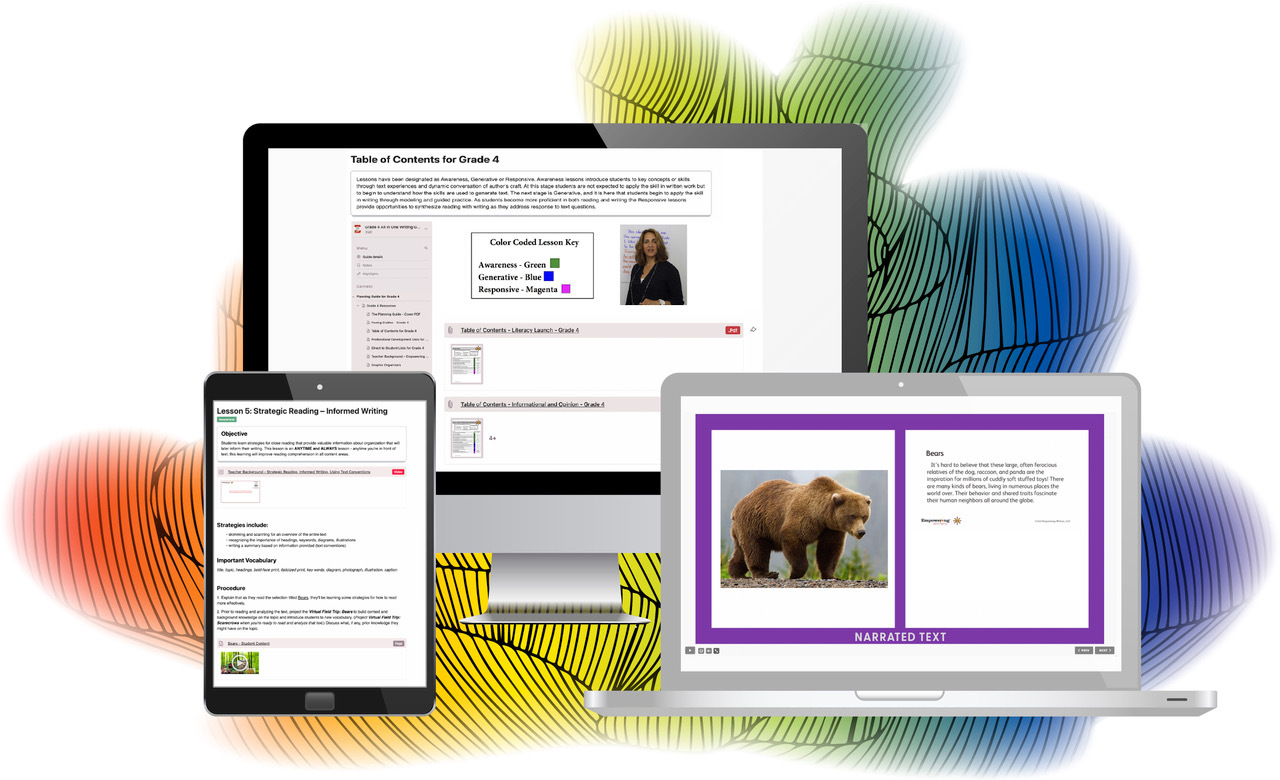
Color coding further clarifies the instructional purpose of each lesson. Green lessons represent awareness instruction, building students’ understanding of key concepts and foundational skills. Blue lessons are generative, guiding students in producing and developing their own writing using the skills taught. Magenta lessons are response lessons, in which students apply their writing skills to reading-based tasks, strengthening their ability to analyze, explain, and support their thinking in connection to texts.
Note: All assessments and lessons included in this guide are highlighted in the Hub Navigation Menu.
Please refer to the Reading Aligned Writing Guide section for more details.
Need Hub login instructions?
Fill out our form to get your account information sent to you via email.
Are you changing grades or would you like to transfer your HUB guide to a new user?
Send me my Hub account information
If you would like to know everything about your Hub account, for example what guides you have and when they expire, please fill out our form.
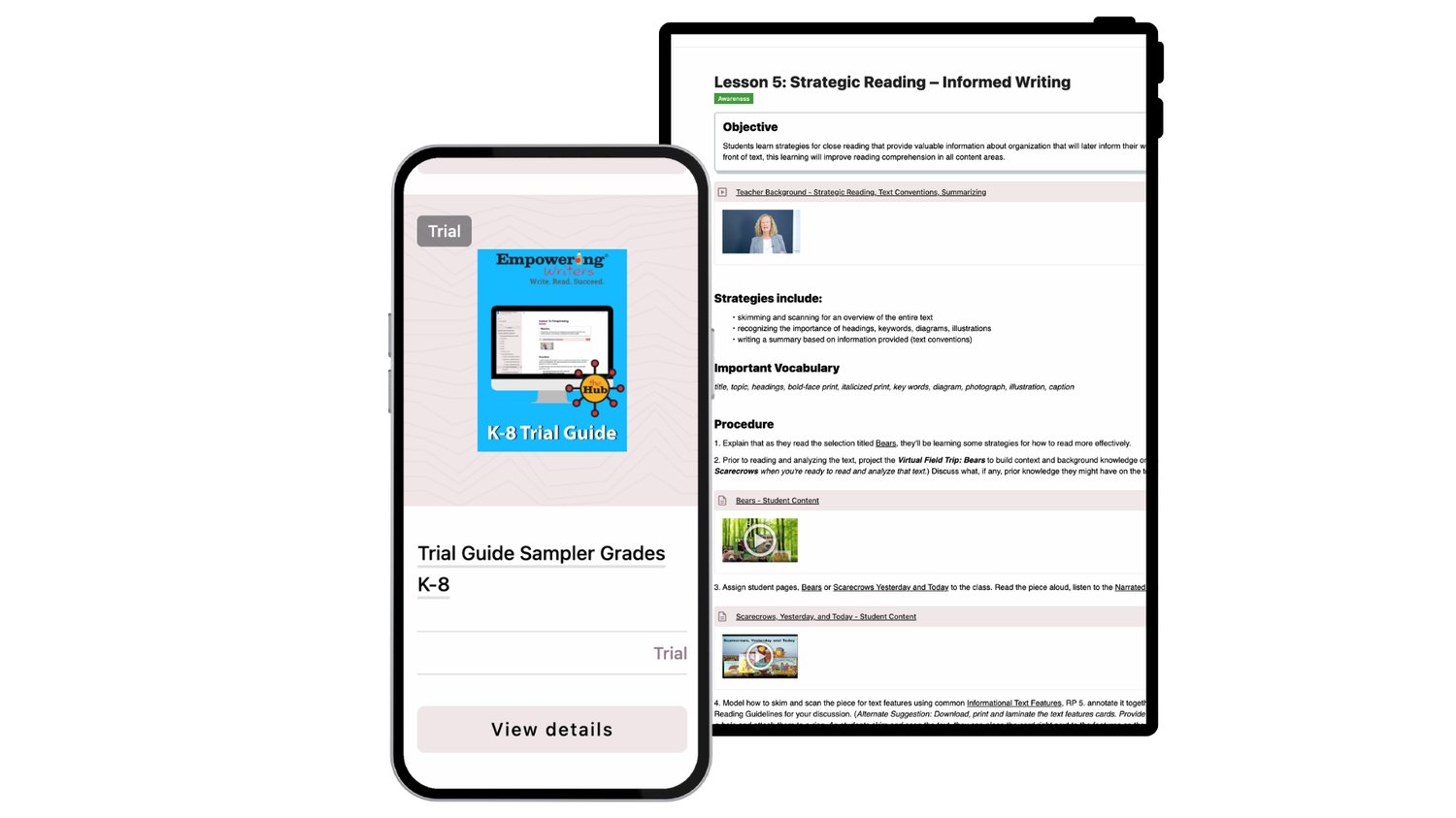
Is the Hub trial free?
Yes, it is a complimentary trial for 1 week. To purchase a year long subscription please visit our bookstore.
Can I print lesson pages?
You cannot print the lesson pages. All other PDF's, for example Student Pages, are downloadable and printable.
Please use the little grey arrow next to the PDF for download or printing.
Are the lessons in the Hub the same as the lessons in the printed guide?
Yes. We have adjusted some of the lesson procedures to incorporate embedded media.
Some of my teachers are receiving a 500 error?
Please email us at askus@empoweringwriters.com with your IT admin's contact information. We will work with them to reestablish the connection with our Hub to get the latest list of teachers at your school.
My students are getting are receiving a "Blocked" error message when trying to access their digital assignment?
You will need to ask your IT admin to give permission and verify www.ewaccess.com.
How can I stay logged in?
When you login, check off the "Keep Me Logged" in button. You will stay logged in until your browser memory is cleared. Schools sometime clear browser data on a scheduled basis.
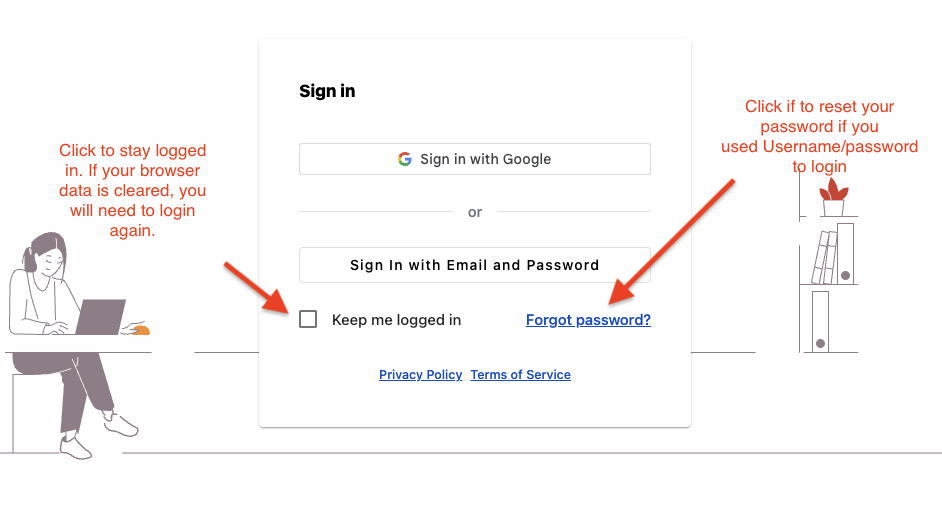
How can I change my password?
If you logged in using the Username/Password option, you can change your password but selecting "Forgot Password". An email will be sent to you to change your password.
Do you offer school or district licenses?
Yes. For school or district licenses, please contact us.
How do I connect to Canvas?
.png?width=2000&height=1250&name=Hub%20Cover%20Graphic%20Updated%202025%20(1).png "Hub Digital GK-8 book covers")